Introduction
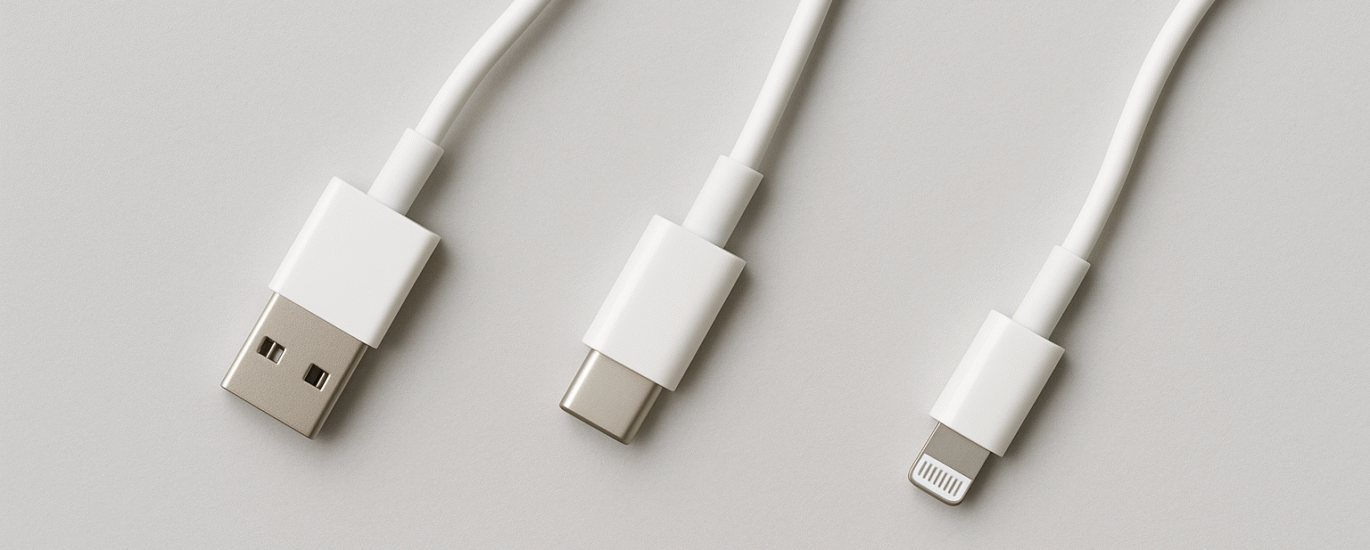
In the ever-evolving world of smartphones and accessories, one seemingly small decision can have a huge impact—your charging cable. With USB-A, USB-C, Lightning connectors, varying wattage ratings, and fast-charging claims flooding the market, how do you choose the right charging cable for your phone in 2025?
This blog will decode everything you need to know so you can charge faster, safer, and smarter.
1. Understand the Different Cable Types
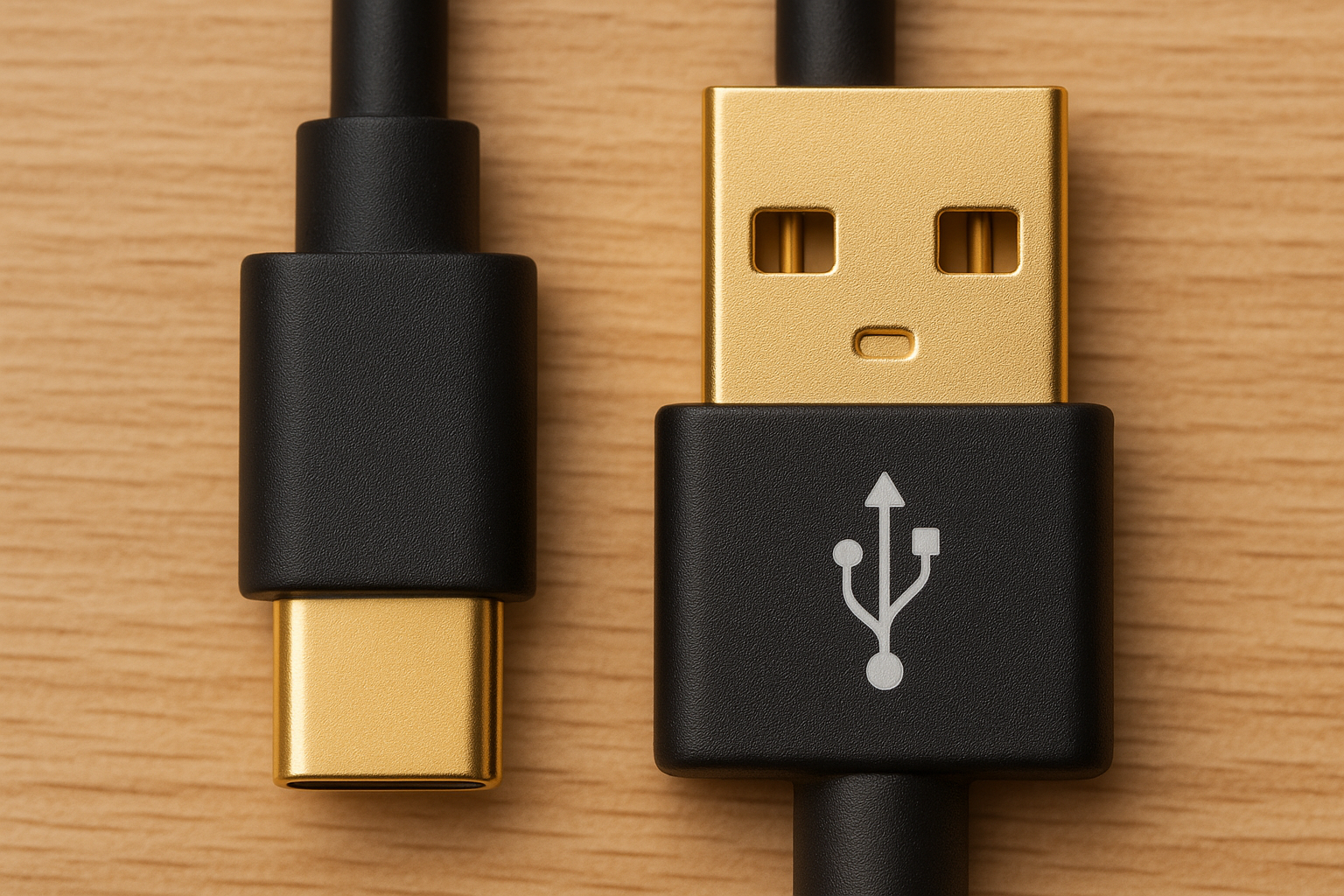
USB-A to USB-C
This is the most common type and works with most Android devices and even some tablets and laptops. These cables usually support power delivery and fast charging up to 60W, sometimes more.
USB-C to USB-C
The most modern type, this is used for newer smartphones, tablets, and laptops. It supports higher wattage and faster data transfer—ideal for power users.
USB-A to Lightning / USB-C to Lightning
Used primarily by Apple devices. Look for MFi (Made for iPhone) certification to avoid compatibility or overheating issues.
2. Know Your Device’s Charging Needs
Before buying a cable, check your phone’s maximum supported wattage. For instance:
Budget Android phones: 10W to 18W
Flagship Android phones: 25W to 65W
iPhones: 20W
Gaming phones/laptops: up to 100W+
A 120W cable, like the SLEEKON SKN 952, is ideal for high-performance devices. Using a lower wattage cable on a device that supports fast charging may slow down charging speeds.
3. Fast Charging Protocols Explained
Fast charging isn’t just about wattage—it’s about compatibility with protocols. Common protocols include:
Qualcomm Quick Charge (QC)
USB Power Delivery (PD)
VOOC, Warp, and SuperVOOC (brand-specific)
Check your device manual to ensure that both the charger and cable support the same protocol.
4. Don’t Ignore Build Quality
A well-built cable will:
Resist tangling and fraying
Withstand over 10,000 bends
Use high-purity copper for better performance
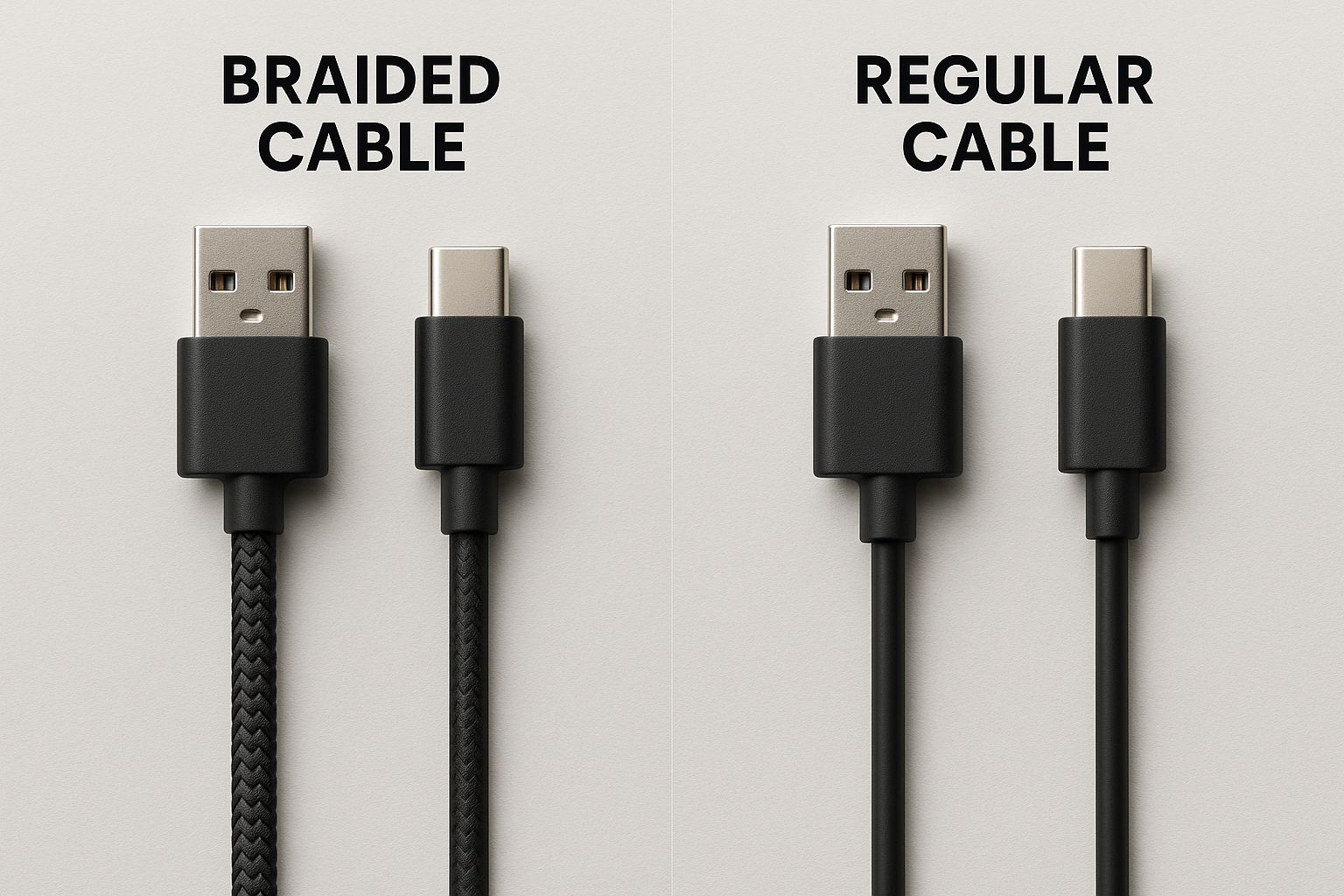
Include braided or nylon exteriors
The SLEEKON SKN 952 – 120W Braided Cable is a great example with high durability, stylish design, and performance to match.
5. Data Transfer vs Charging
If you also transfer files between devices, pick a cable that offers high data speeds (e.g., USB 3.1). Standard cheap cables may charge fine but are slow when syncing files.
6. Compatibility Matters
Using a premium cable like the SLEEKON SKN 971 or 952 ensures:
Compatibility with Type-C ports on Android and laptops
Efficient power transfer
Reduced risk of overheating or damage
Avoid generic or knock-off cables. They may harm your phone or deliver unstable current.
7. Price vs Value
Don’t just go for the cheapest option. Investing in a well-reviewed and certified cable can save your device’s battery health and avoid safety risks.
Look for:
Warranty
Brand reputation
Certifications (CE, RoHS, BIS)
8. Charging Cable FAQs
Q: Can I use a 120W cable on a phone that only supports 25W?
A: Yes, the cable will only supply what the phone requests.
Q: Does cable length affect charging speed?
A: Yes. Longer cables may have more resistance. Keep it under 1.5m for best results.
Q: Can one cable work with all devices?
A: Not always. Use a multi-compatible or universal cable if you switch between brands/devices often.
Conclusion
Choosing the right charging cable isn’t just a tech decision—it’s a smart investment. Understanding your phone’s requirements, the cable’s wattage, build, and compatibility can save time, protect your device, and give you peace of mind.
For a reliable, future-proof option, explore SLEEKON’s range of fast-charging cables—built to perform and built to last.